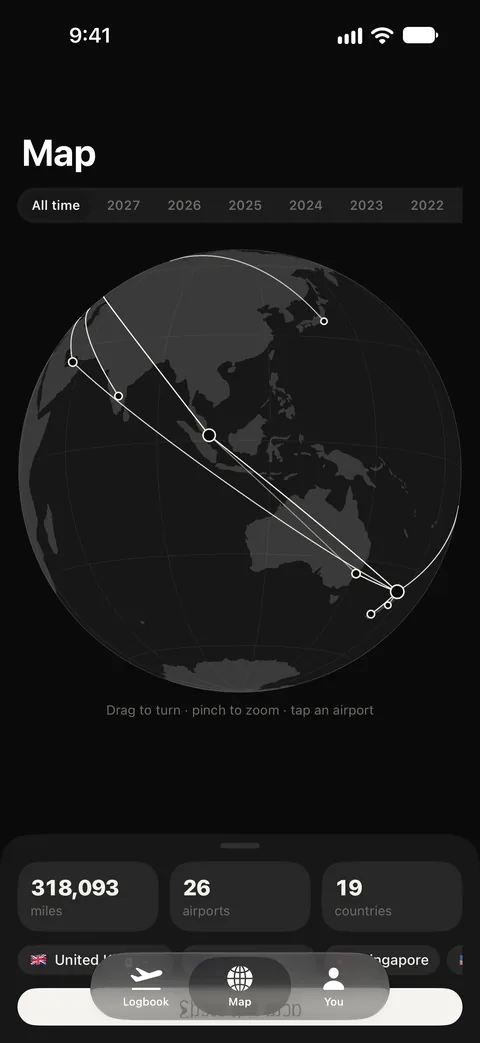
Import a decade in one step
An empty logbook is a dead app, so the first thing Dayside Flights does is help you fill it. Bring your whole history across in one file pick, and keep it current without typing the same flight twice.
- Import a Flighty CSV export — totals that match what you already saw
- Read flights from your calendar, or find them in your email
- Add a flight by hand in seconds; your routes are remembered
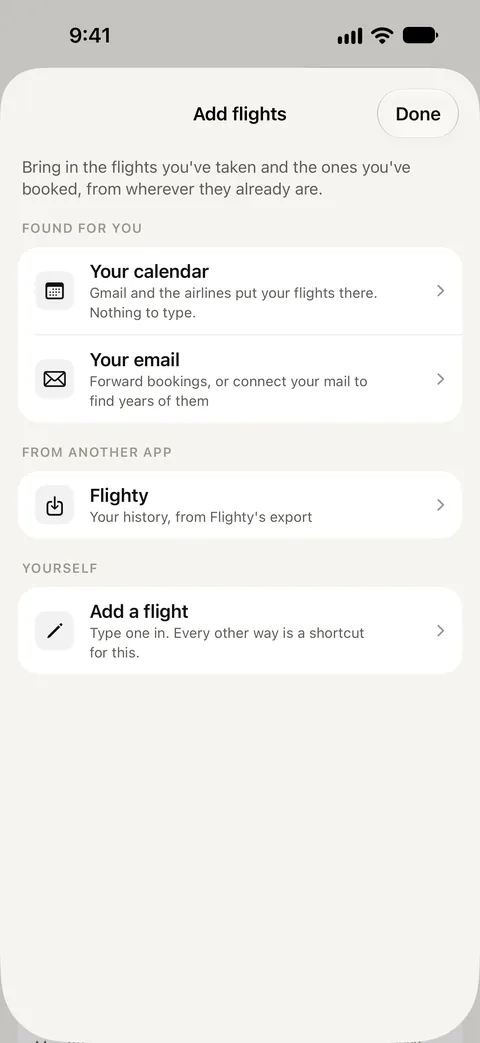
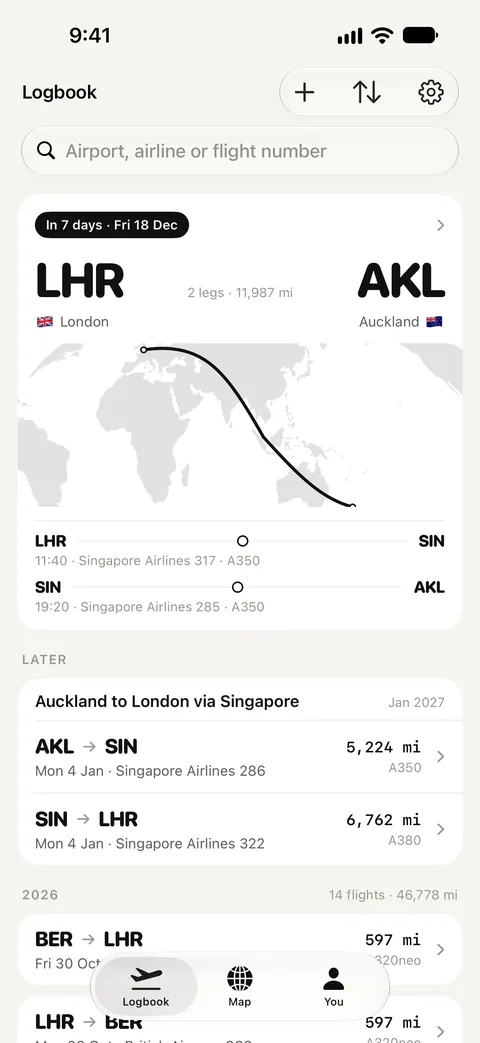
A map of every leg
The part people screenshot. Every flight you've logged is drawn as a great-circle arc across the globe — spin it, pinch it, and watch a decade of flying take shape. It's free to draw, because the whole flight set is already on your phone.
- Geodesic arcs and every airport you've touched
- Filter by a year or a period and share the card
- Light and dark, drawn from bundled map data, not a tile server
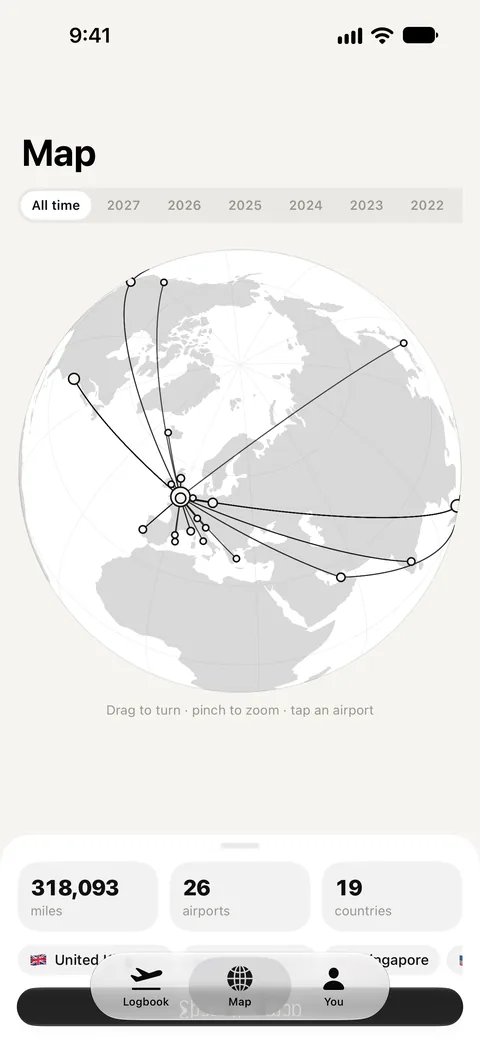
Stats without a server
Distance flown, hours in the air, the airports, countries, airlines and aircraft you've met, your longest and shortest hop, your busiest year — all worked out on your phone from bundled airport coordinates and your own flights.
- A year in review, with first-visited airports and countries
- Your most-visited airport and most-flown route
- Trips that gather connecting legs into one journey
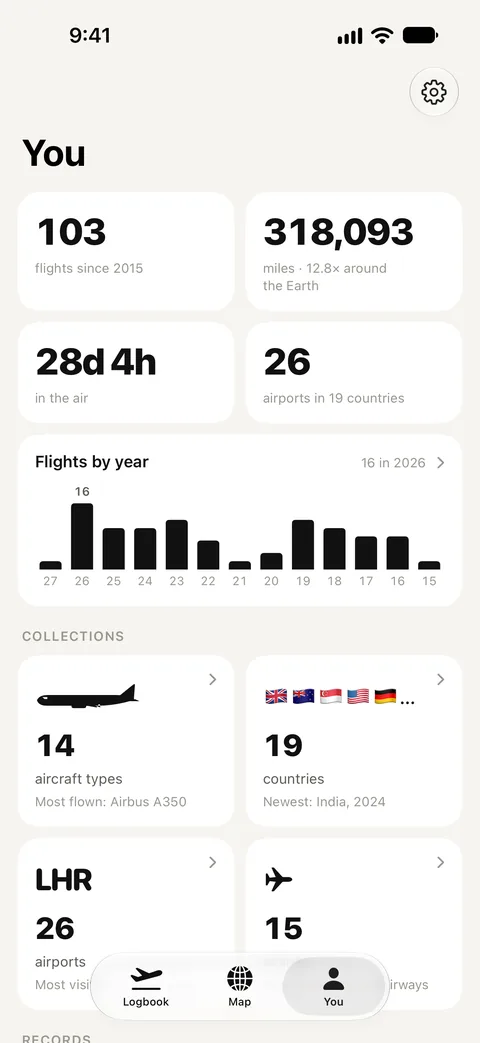
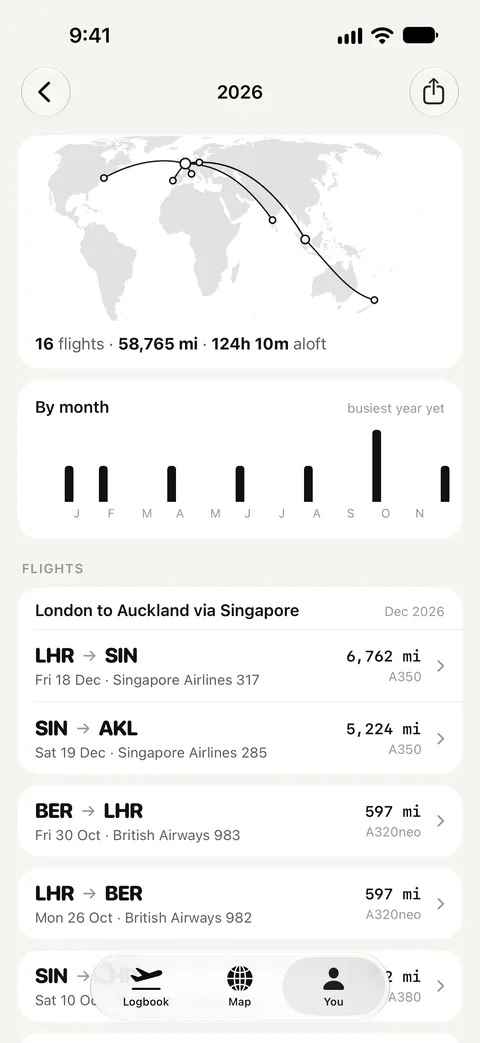
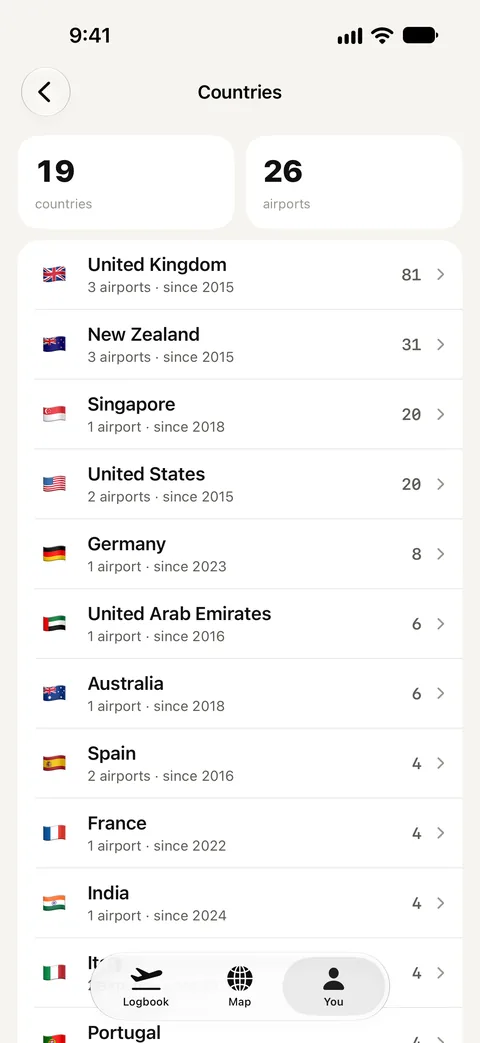
The places and planes you've collected
Every country and airport you've landed in, every airline you've flown, and every aircraft family you've been aboard — counted the collector's way, by distinct airframes rather than flight numbers. Each flight is a boarding card you can open for the detail.
- Countries, airports and airlines as names and flags, not codes
- A fleet of drawn side-profiles, one per aircraft family
- Export everything to CSV or JSON — nothing is locked in
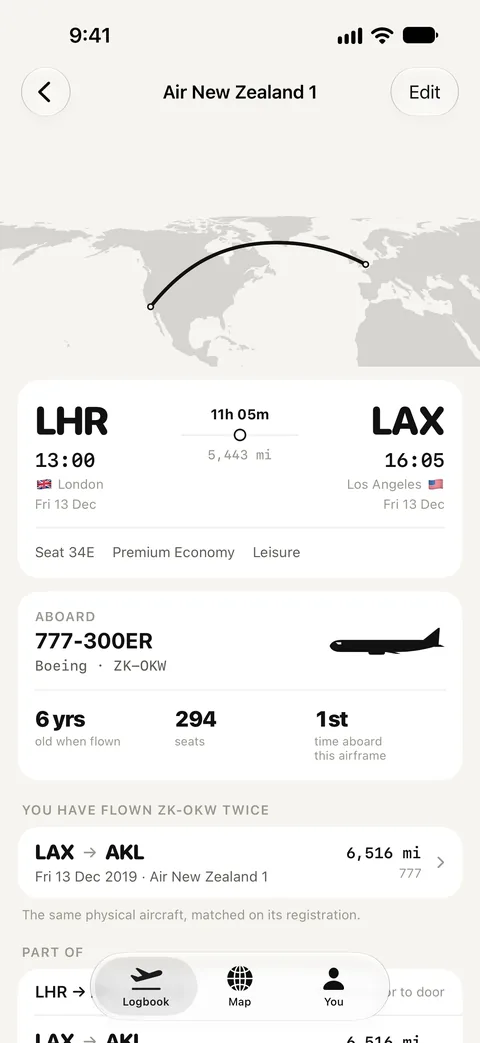
A logbook, not a tracker
Dayside Flights doesn't know your gate, and it won't pretend to. It shows the flights you recorded and the times that were scheduled, never a live status dressed up as the real thing. That's the honest version, and it's the one you can keep for life.
No account, ever. Your flights live on your device and sync through your own iCloud, so there's no server of ours holding your history, and nothing of yours to leak.
Pay once. No subscription.
The record of everywhere you've flown is the part you keep for life. It shouldn't be rented. Buy Dayside Flights once and it's yours — no account, no renewal, and one purchase covers your Family Sharing group.
- $9.99 at launch — less than many trackers cost in a month
- No ads, no account, no data collected
- Walk away whenever you like: your flights export and round-trip
Questions
Is it a subscription?
No. Dayside Flights is one purchase, and then it's yours, with no account to make and nothing to renew. One purchase covers your Family Sharing group.
How do my flights get in?
Import a Flighty CSV export, read them from your calendar, let the app find them in your email, or add a flight by hand. The first thing the app does is help you fill it, and re-importing keeps the logbook current without duplicating anything.
Does it track flights live?
No. It's a logbook, not a tracker. It shows what you recorded and what was scheduled, and it says which is which — no gate, no "on time", no "landing soon". That's the deliberate line, and it's why it can be bought once instead of rented.
Does it read my email?
Only if you ask it to, and only to read. It looks for flight confirmations and nothing else, nothing it reads leaves your device, and the whole app works without ever connecting a mailbox.
Will my totals match what I already had?
That's the goal. Distances use the great-circle over the Earth's mean radius, and a Flighty export is the yardstick — the same flights should read the same miles and hours, with codeshares folded into one leg so they aren't counted twice.
Which devices does it run on?
iPhone with iOS 26 or later. Your flights sync through your own iCloud.

Everywhere you've been, and what's next.
Dayside Flights is on the App Store for iPhone. Pay once, no subscription.
Download on the App Store